ThinkGeo Raster Sampling Logic and Behavior Matrix
Last Updated: April 14, 2026
Validated Against:thinkgeosdkcommit0918c8b2f
Summary: v14 → v15 Image Quality Changes
a. DrawingQuality presets simplified. DrawingQuality.HighQuality, Medium, and Default are deprecated — Standard is now the only recommended preset. In v14, DrawingQuality controlled both resampling and anti-aliasing together. In v15, they are decoupled into two independent controls:
b. Resampling: content-type-aware per layer. Each layer declares its content type by overriding GetRasterContentTypeCore(). The content type drives a default resampling algorithm. Users can override via LayerBase.GetRasterResamplingMode() for explicit control. Resampling is per-layer because different content types need fundamentally different algorithms — a categorical raster needs nearest-neighbor (or colors bleed), while a satellite photo needs smooth interpolation (or it shimmers).
c. Anti-aliasing: new RenderingOptions for fine-grained control. Introduced RenderingOptions with independent toggles: ImageAntiAlias, VectorAntiAlias, TextAntiAlias, and PolygonSeamRenderingMode. Users can set TileOverlay.RenderingOptions or GeoCanvas.RenderingOptions directly instead of using DrawingQuality presets. Anti-aliasing is set at the canvas/overlay level (not per-layer) because it controls visual consistency — mixing AA and non-AA layers on the same tile would produce mismatched edges.
1. v14 Preset Behaviors (v14.4 Summary)
In v14.4.4, raster sampling followed a mostly path-driven model.
v14 Preset (DrawingQuality) | Vector/Text AA | Optimized Drawing Path | Normal Drawing Path |
|---|---|---|---|
HighSpeed | ON (default) | SKFilterQuality.High | SKFilterQuality.Low (bilinear) |
Default | ON (default) | SKFilterQuality.High | SKFilterQuality.Medium |
Medium | ON (default) | SKFilterQuality.High | SKFilterQuality.Medium |
HighQuality | ON (forced) | SKFilterQuality.High | SKFilterQuality.High |
SKFilterQuality.High in v14 was adaptive in practice:
- Upsample: bicubic-style filtering (Mitchell family behavior).
- Downsample: engine-level optimization that could apply mip-like behavior.
- Many map-related render paths were effectively forced to high-quality filtering.
2. v15 DrawingQuality Presets (Current)
In current v15 code, DrawingQuality maps to RenderingOptions and only controls anti-aliasing flags.
Preset (DrawingQuality) | Image AA | Vector AA | Text AA |
|---|---|---|---|
Standard (recommended) | OFF | ON | ON |
HighSpeed | OFF | OFF | OFF |
Default (deprecated) | OFF | ON | ON |
Medium (deprecated) | OFF | ON | ON |
HighQuality (deprecated) | OFF | ON | ON |
Sampling is configured independently (Section 3) and is not controlled by DrawingQuality.
3. Current Resampling Architecture
Each layer declares its content type by overriding GetRasterContentTypeCore(). The content type drives a default RasterResamplingMode, which is resolved to a concrete sampling algorithm at draw time.
Layer.GetRasterContentTypeCore()
  -> RasterContentType
  -> LayerBase.GetRasterResamplingMode()
  -> RasterResamplingMode
  -> SkiaSamplingHelper.Resolve(mode, scale)
  -> SKSamplingOptions
3.1 Content Types
Content Type (RasterContentType) | Example | Description | Sampling Goal |
|---|---|---|---|
| Categorical Raster | 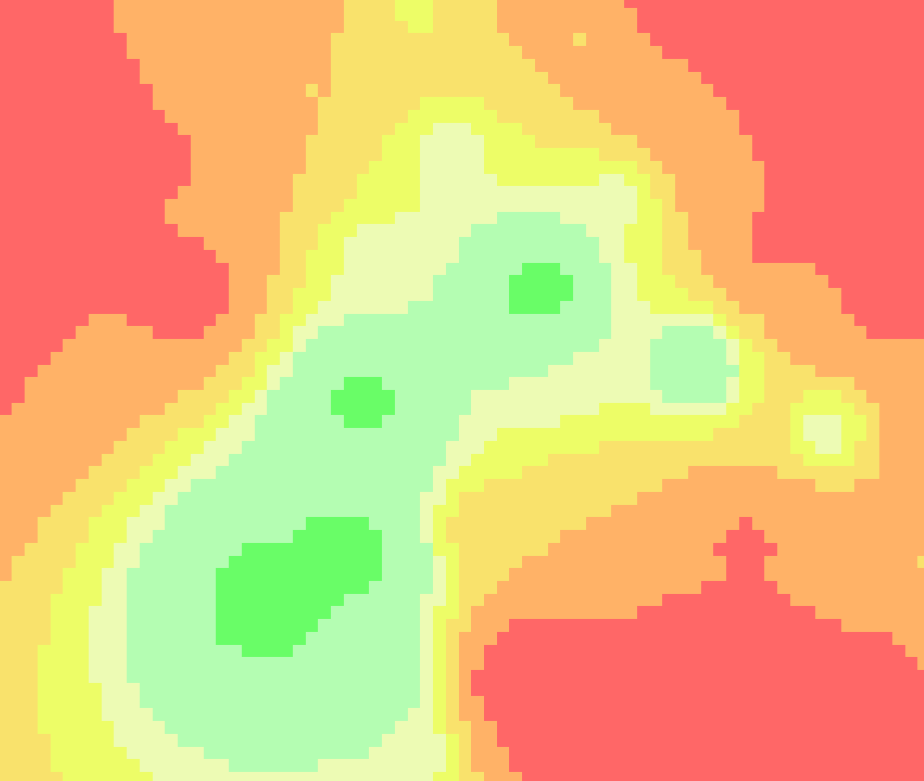 | Discrete data. Land-use, administrative zones, weather warning areas. Each pixel value represents a class. | Force Nearest: Prevents color bleeding and intermediate colors at class boundaries. |
| Cartographic Tiles | 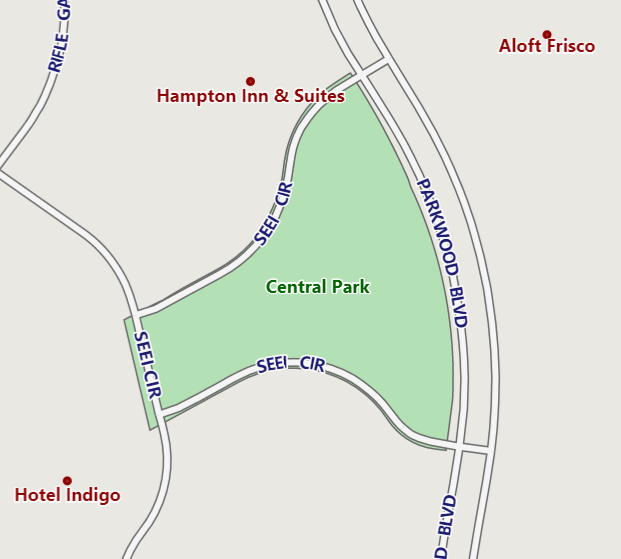 | Vector-style tiles. OSM tiles, street maps with labels and lines. | Buffer Nearest: Uses nearest-neighbor within a 5% buffer around 1:1 scale, keeping labels and lines razor-sharp. |
| Imagery | 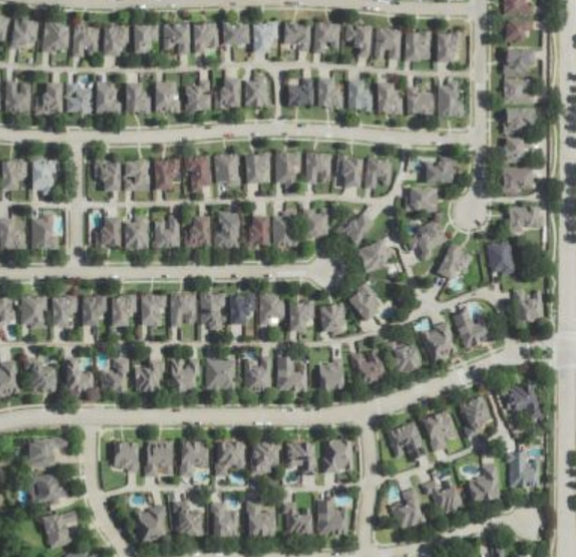 | Photographic imagery. Satellite photos, aerial/drone captures. | Smooth Scaling: Bicubic upsample, trilinear downsample. Eliminates pixel shimmering. |
| Continuous Raster | 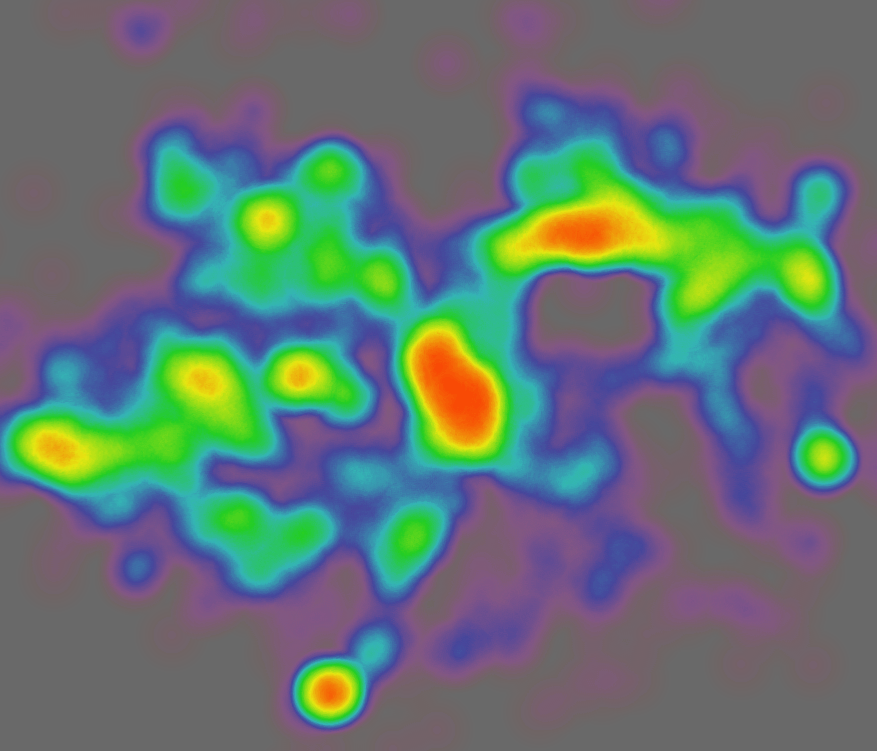 | Gradient data. DEM hillshades, heatmaps. | Smooth Scaling: Same as Imagery. Maintains fluid transitions. |
3.2 Content Type → Resampling Mode
RasterContentType | Default RasterResamplingMode |
|---|---|
CategoricalRaster | NearestNeighbor |
CartographicTiles | CartographicAuto |
Imagery / ContinuousRaster / Unspecified | Auto |
Users can override at two levels: - Layer level: override GetRasterContentTypeCore() to change the content type, which changes the default mode. - RasterSource level: set RasterSource.ResamplingMode to force a specific mode regardless of content type. Note that GeoTiffRasterSource and SkiaRasterSource default to Unspecified content type, so CartographicAuto won't activate for them unless you subclass or set ResamplingMode explicitly.
3.3 Scale-Adaptive Rules
SkiaSamplingHelper.Resolve(...) applies two thresholds:
- 1.0 — the upsample/downsample boundary used by
AutoandCartographicAuto's fallback. - 0.95 / 1.05 — the "near identity" buffer zone used only by
CartographicAuto.
Fixed modes (NearestNeighbor, Bilinear, Trilinear, Bicubic) ignore scale entirely:
| Mode | All Scales |
|---|---|
NearestNeighbor | Nearest |
Bilinear | Bilinear |
Trilinear | Linear + Mipmap |
Bicubic | Mitchell |
Scale-adaptive modes (bold = content-specific override vs. default Auto behavior):
| Scale Range | Auto | CartographicAuto |
|---|---|---|
Upsample (> 1.05) | Mitchell | Mitchell |
Minor Upsample (1.0 < s <= 1.05) | Mitchell | Nearest |
Identity (= 1.0) | Mitchell | Nearest |
Minor Downsample (0.95 <= s < 1.0) | Linear + Mipmap | Nearest |
Downsample (< 0.95) | Linear + Mipmap | Linear + Mipmap |
Key:
Autosplits atscale = 1.0(Mitchell above, Linear+Mipmap below).CartographicAutoadds a 5% buffer zone (0.95–1.05) where it forces Nearest, preventing floating-point jitter from triggering interpolation blur on labels and lines. Outside the buffer it falls back toAuto's rules.
4. How Content Type Is Determined (Current Code)
4.1 Feature Layers
FeatureLayer: scans styles; if anyHeatStyleexists ->ContinuousRaster; otherwise ->CartographicTiles.
4.2 Internet and Cloud Layers
Dynamic Imagery vs CartographicTiles by map/style type:
GoogleMapsAsyncLayerBingMapsAsyncLayerHereMapsRasterTileAsyncLayerMapBoxStaticTilesAsyncLayerThinkGeoRasterMapsAsyncLayerAzureMapsRasterAsyncLayer(also has weather tile sets mapped toContinuousRaster)
Always cartographic:
OpenStreetMapAsyncLayerThinkGeoVectorMapsAsyncLayer
4.3 Protocol Layers
Default to CartographicTiles:
WmsAsyncLayerWmtsAsyncLayerArcGisServerRestAsyncLayerArcGisServerRestVectorAsyncLayerWfsV2AsyncLayer
4.4 Raster Sources
GeoTiffRasterSource,SkiaRasterSource, andWpfRasterSourcedo not overrideGetRasterContentTypeCore(), so default content type isUnspecifiedunless subclassed.- Their effective behavior depends on explicit
ResamplingModeand/or source-specific fallback logic (see Section 3.2).
5. Practical Override Patterns
5.1 Override Layer Content Type
public class MyFeatureLayer : ShapeFileFeatureLayer
{
    protected override RasterContentType GetRasterContentTypeCore()
        => RasterContentType.CartographicTiles;
}
5.2 Override Raster Source Content Type
public class MyGeoTiffSource : GeoTiffRasterSource
{
    public MyGeoTiffSource(string path) : base(path) { }

    protected override RasterContentType GetRasterContentTypeCore()
        => RasterContentType.CategoricalRaster;
}
5.3 Force an Explicit Resampling Mode
var layer = new GeoTiffRasterLayer("data.tif");
layer.ResamplingMode = RasterResamplingMode.CartographicAuto;
Use explicit mode when you need deterministic behavior independent of inferred content type.